Upload .blend or ZIP projects
Send large Blender projects without building your own farm or keeping a workstation locked up overnight.
Online Blender rendering
Renderjuice is built around the parts of Blender rendering that usually make cloud farms painful: version drift, missing assets, add-ons, render engine support, and long feedback loops when a job fails.
Send large Blender projects without building your own farm or keeping a workstation locked up overnight.
Renderjuice reads the project version and routes the job to the right supported Blender build before rendering.
Use the render engines and acceleration paths Blender artists expect, including OIDN and common simulation workflows.
Plans include chat, phone, email, and screenshare support options for production jobs.
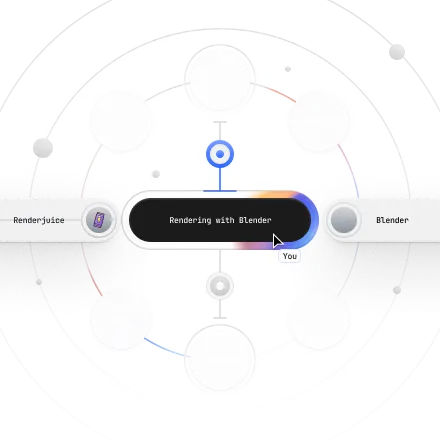
We put significant effort into making Renderjuice work with Blender as smoothly as possible.
Supported Blender build
We match your file to a supported Blender build so cloud output stays closer to local, even when small Blender updates change render results.

Render with the engines and GPU backends you already use, including EEVEE Next, EEVEE Legacy, and denoise with OIDN or OptiX Denoising.
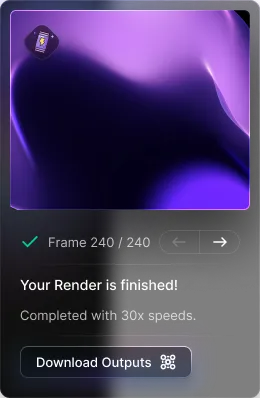
Preview frames, finals, and revisions back sooner.
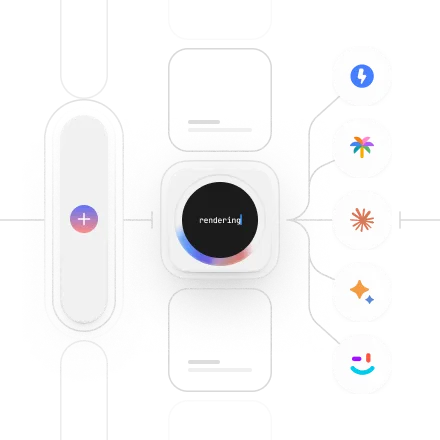
When using Blender with Renderjuice, you can expect to speed up over 30x.
How it works
Upload
Upload a .blend file or ZIP archive with the assets your scene needs.
Validate
Renderjuice prepares the job, matches the Blender version, and catches setup issues before the full render runs.
Render
Split production work across cloud GPUs instead of waiting on one local workstation.
Download
Keep moving in Blender while the farm handles the heavy render work in the background.
Pricing and support
Plans start at $49 per month with GPU minutes, rollover credits, top-ups, large file uploads, ZIP uploads, and a 30-day money-back guarantee. Pro and Studio plans add deeper Blender add-on support and higher-touch support for production jobs.
Proof points
See just a subset of how much Renderjuice integrates with Blender.
Showing 17 out of 45 integrated features
Renderjuice fully supports CYCLES, the photo-realistic rendering engine we all know and love from Blender.
Use add-ons like FLIP Fluids, Camera Shakify, and more. We can't test all of them, but we've tested a lot of them to ensure maximum compatibility.
Browse all extensionsComposite each pass separately to output multiple files. Each file output node will get rendered.
Renderjuice supports OIDN, the open-source denoising library from NVIDIA. We've optimized it for performance and quality.
Utilize the OPTIX backend from NVIDIA to maximize speed, cost, and time.
Smoke and fire simulations are supported!
Work with ACES and custom color spaces to ensure better consistency and accuracy across your team.
Work with custom color spaces to ensure better consistency and accuracy across your team.
Renderjuice supports EEVEE Next, the new default Blender render engine. We've optimized it for performance and quality.
Got a huge scene or highly complex render with 8K textures? Use our high VRAM nodes to render with ease.
Every latest version is catalogued internally. When you submit a render, we intelligently match the version of Blender to ensure compatibility.
Our favorite animations. Fluid and other particle simulations are supported whether that be with Mantaflow or FLIP Fluids.
Cloth simulations are supported with a bake!
Support scenes with multiple Blender cameras and render from the camera you choose.
Support Blender view layers, including rendering a specific layer without changing the .blend file.
Render stereoscopic multiview Blender scenes, including setups that produce multiple output files.
Grease Pencil scenes are supported, including Blender projects that mix 2D animation with the rest of your scene.
FAQ
Yes. Renderjuice is an online Blender render farm. Upload your Blender project, validate the job, render frames in the cloud, and download the finished output.
Renderjuice supports Blender workflows built around Cycles, EEVEE, OptiX, Open Image Denoise, ACES color management, simulations, view layers, and common add-ons.
Yes. Renderjuice supports add-ons and extensions on Pro, Studio, and custom plans, with a Blender extension catalog to make supported workflows easier to verify.
Published Renderjuice plans start at $49 per month and include monthly GPU minutes, rollover credits, top-ups, large file uploads, ZIP uploads, and support options. Current plan details are listed on the pricing page.
Yes. Renderjuice checks the Blender file version and routes the render to a supported matching Blender build so version drift does not break the job.
Yes. Studio and enterprise workflows can use more parallel render pipelines, team workspaces, boosted transfers, volume discounts, white glove support, and custom pipeline integration.
renderjuice
© Renderjuice 2026 All rights reserved.